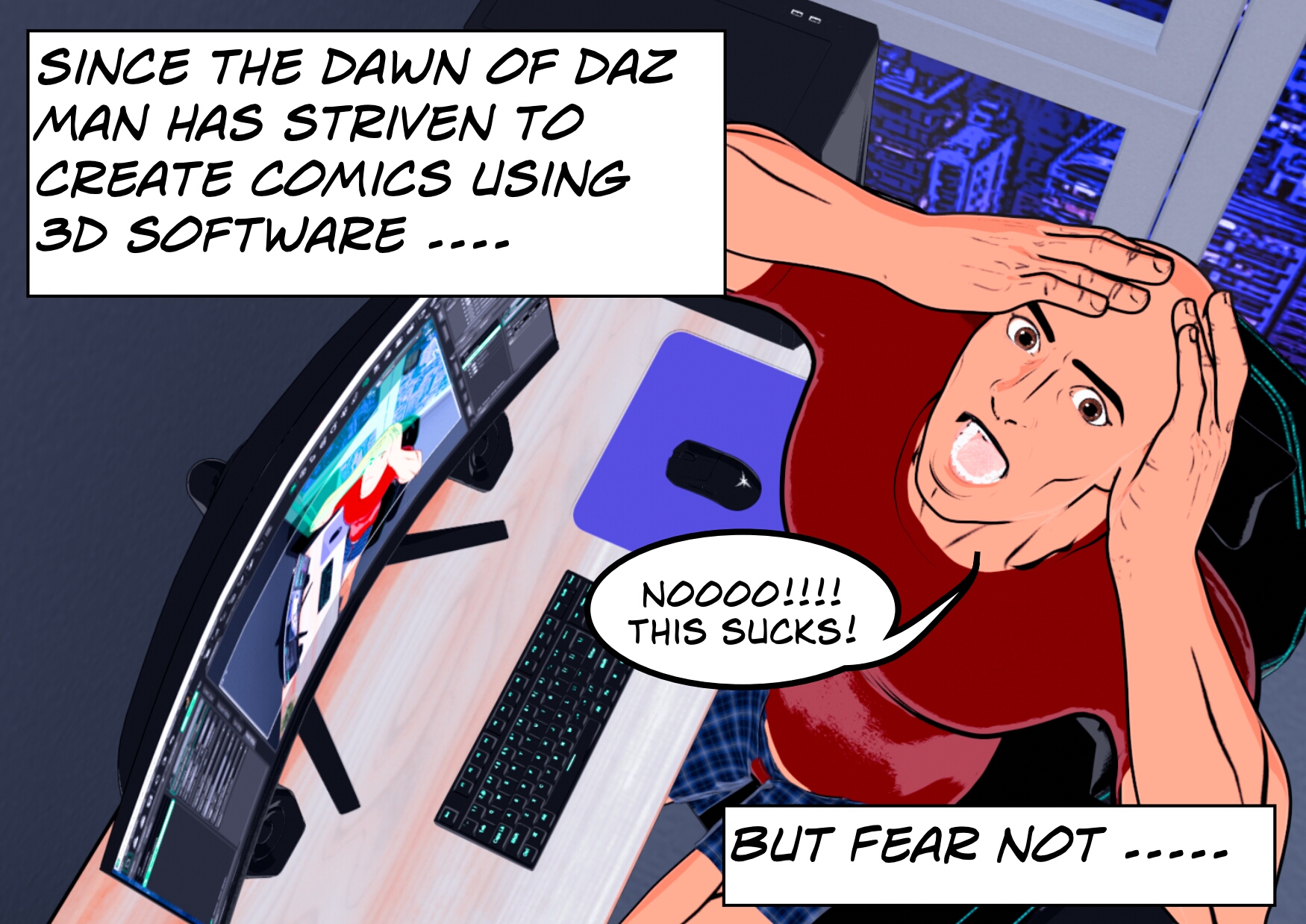
I’m basically a child of a somewhat advanced aged. Being a comic book fan and thinking of myself as a bit of a story teller I found myself in a bit of a dilemma – I wanted to create my own comic book stories but realized I had absolutely no artistic ability whatsoever. Daz seemed to offer a solution.
However, as anyone who has ever tried to make a comic book using daz will know, the results are not good to say the least – in fact anyone who has actually dared to post the results of their hard work online was probably met by scorn and derision the likes of which they have never before encountered. 3D software is apparently NOT for making comics.
As someone who works best receiving constant praise and adulation this was obviously unsatisfactory, so I set about trying find a solution. I think I bought every shader and comic styling product on the market only to realize that they all ended up requiring vast amounts of postwork and often a degree of artistic ability I did not have.
I wanted to find a way of doing as much of it as possible inside DAZ Studio itself.
That’s really where Daz Comic Assets started. But did it work …………?
Why make comic assets?
I’ve spent a lot of time experimenting with different ways of getting a strong comic-book look out of DAZ. Some things worked brilliantly. Other things… well, let’s just say there was a lot of experimenting!
Along the way I started making my own presets, textures, effects and little tricks to make the process quicker and easier.
Eventually I thought, if I’m finding these things useful, maybe other DAZ users will too.
So that’s what I’m doing here.
The basic idea is pretty simple
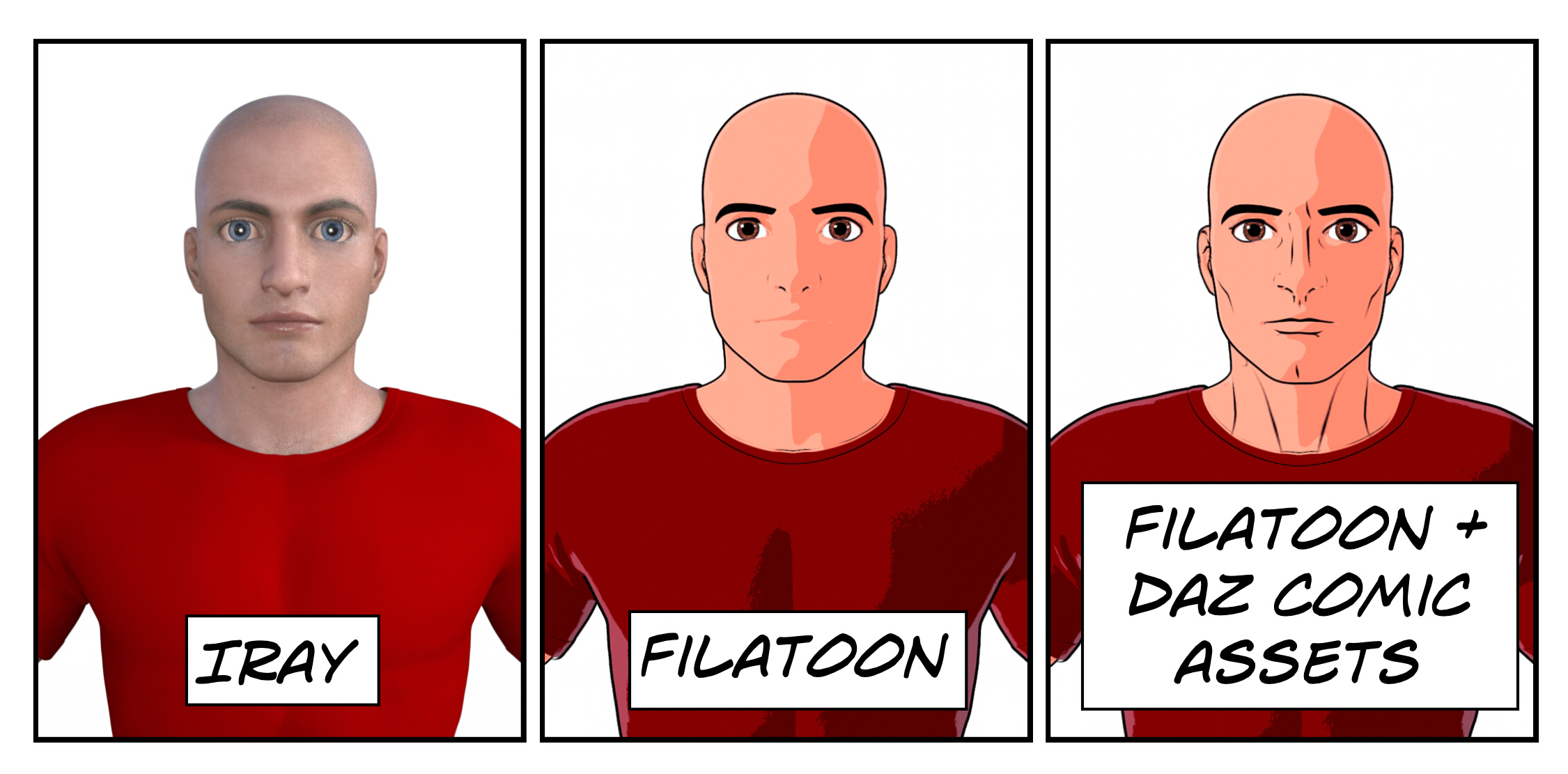
The filatoon render system that comes with Daz is pretty good at putting the outline around characters or objects. However because it tends to flatten textures and colors the details tend to be lost. Noses disappear at certain angles. Expressions are non existant. It might be ok for anime style where it is all pink hearts and bubble clouds but if you grew up on Marvel and DC comics you want something a bit gritty and dark.
The answer was to use LIE overlays to give the impression of inking over the textures. This gives the impression of shape and musculature while preserving the cell shading. Noses reappear and expressions are once more readable. Provided as material presets the whole process is achieved with just a click.
I want to make affordable, easy-to-use assets that help you create comic-style artwork in DAZ Studio without having to spend hours setting everything up.
There’s no AI involved and the aim is to keep as much of the process inside DAZ as possible, rather than expecting you to finish every image in Photoshop afterwards.
I’m also a big believer in making small, useful packs rather than huge collections full of things you’ll probably never use.
What’s on the site?
Assets
Comic shaders, inking presets, effects, environments and other things I’ve made for DAZ Studio.
Tips & Tricks
Things I’ve learned while experimenting with DAZ. Some will be simple little tricks, while others may save you quite a bit of head scratching!
Gallery
A place to show what can be done with the assets, including my own work and, hopefully, artwork from other DAZ users.
Freebies
There will always be some free stuff here too. Sign up to the newsletter and I’ll send you some useful goodies to get you started.
And there’s a bigger project behind all this…
Daz Comic Assets is also connected to my own comic project, Dark Times.
The idea is that the assets, tutorials and artwork on this site can eventually help build a community around that project. Further down the road I’d like to turn Dark Times into a proper comic or animation, and if enough people are interested, I’d love to make that happen through crowdfunding.
But that’s for later.
For now, I’m concentrating on making some useful stuff for DAZ users and having a bit of fun with it.
Thanks for stopping by. Have a look around, try some of the free stuff, and hopefully you’ll find something here that helps with your next render.
— Darren